AI-Powered Code Reader SR-X Series
The best way to monitor your Code Reader from your office
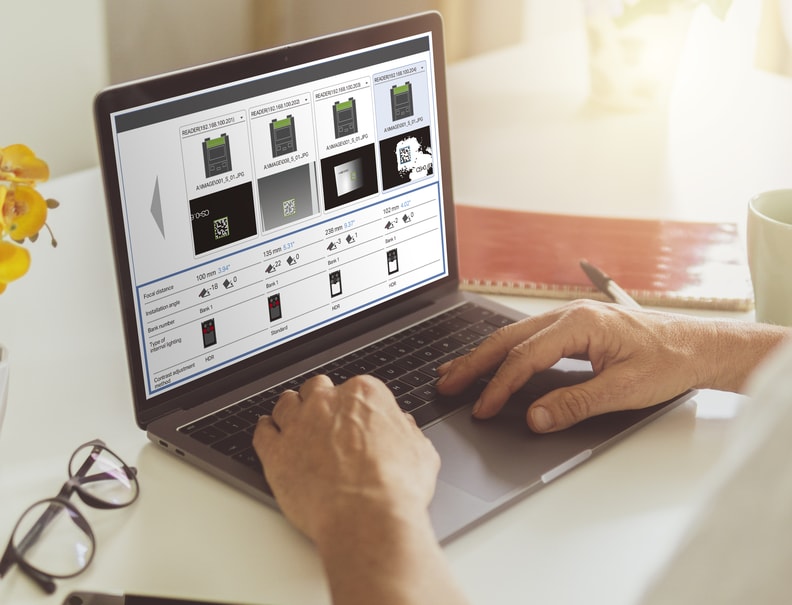
Software not required for analysis, setup, or monitoring SR Web Tool
The SR Web Tool can be used to monitor and adjust the operation of the reader from a web browser. Simply enter the IP address of the SR-X Series device into a web browser on a tablet or PC in the same network to configure settings, collect statistics, and gather images for error analysis. Users can also manage multiple units from a single browser.
Typical supported Web browsers:
Google Chrome
Microsoft Edge
Safari
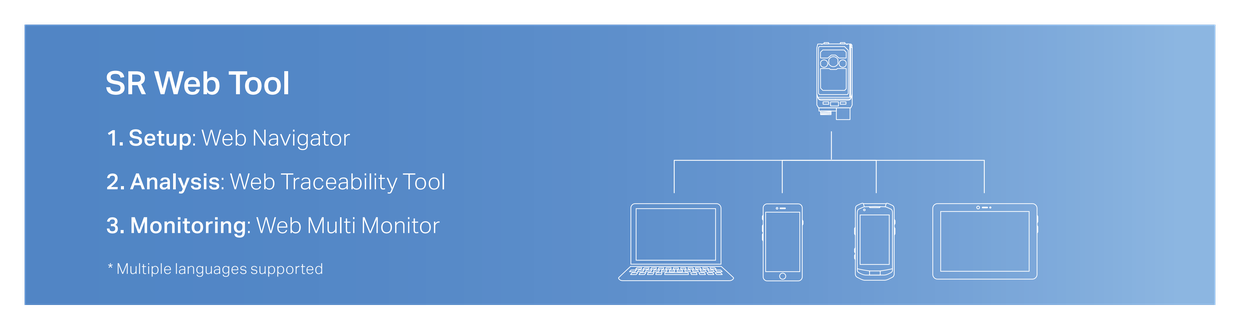
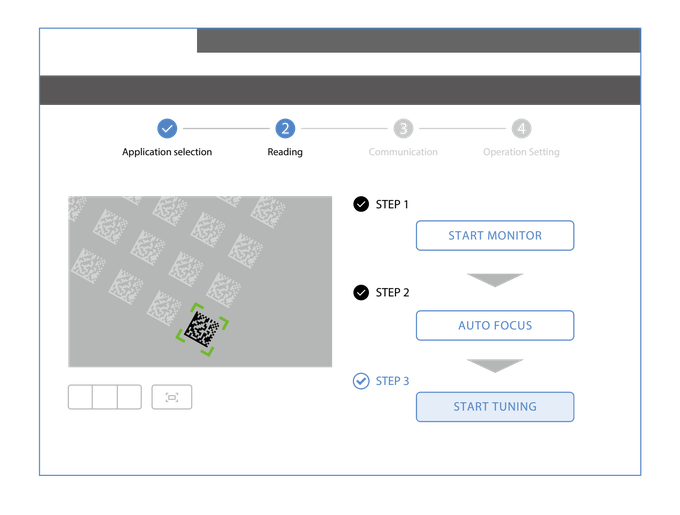
1. Setup tool Web Navigator
Follow step-by-step operations for faster installation and setup.
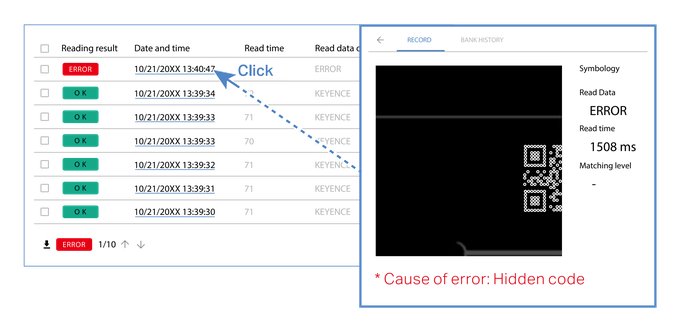
2. Analysis tool Web Traceability Tool
Use statistical information and error images to quickly track which readers failed to read a code, when, and why.
This reduces time spent analyzing the cause of errors and taking appropriate countermeasures, all without having to develop additional programs.
3. Monitoring tool Web Multi Monitor
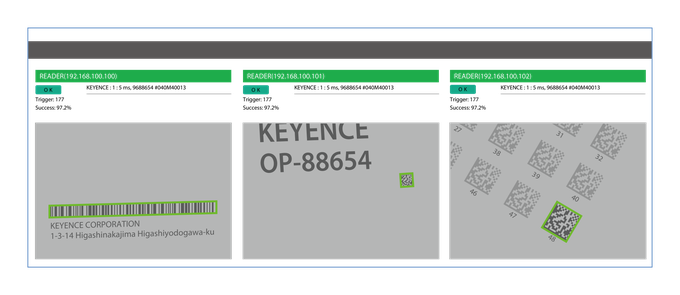
Monitor the operating status of multiple units in operation.
Check that all devices are operating normally and use a single screen to monitor several devices at once (LiveView).