

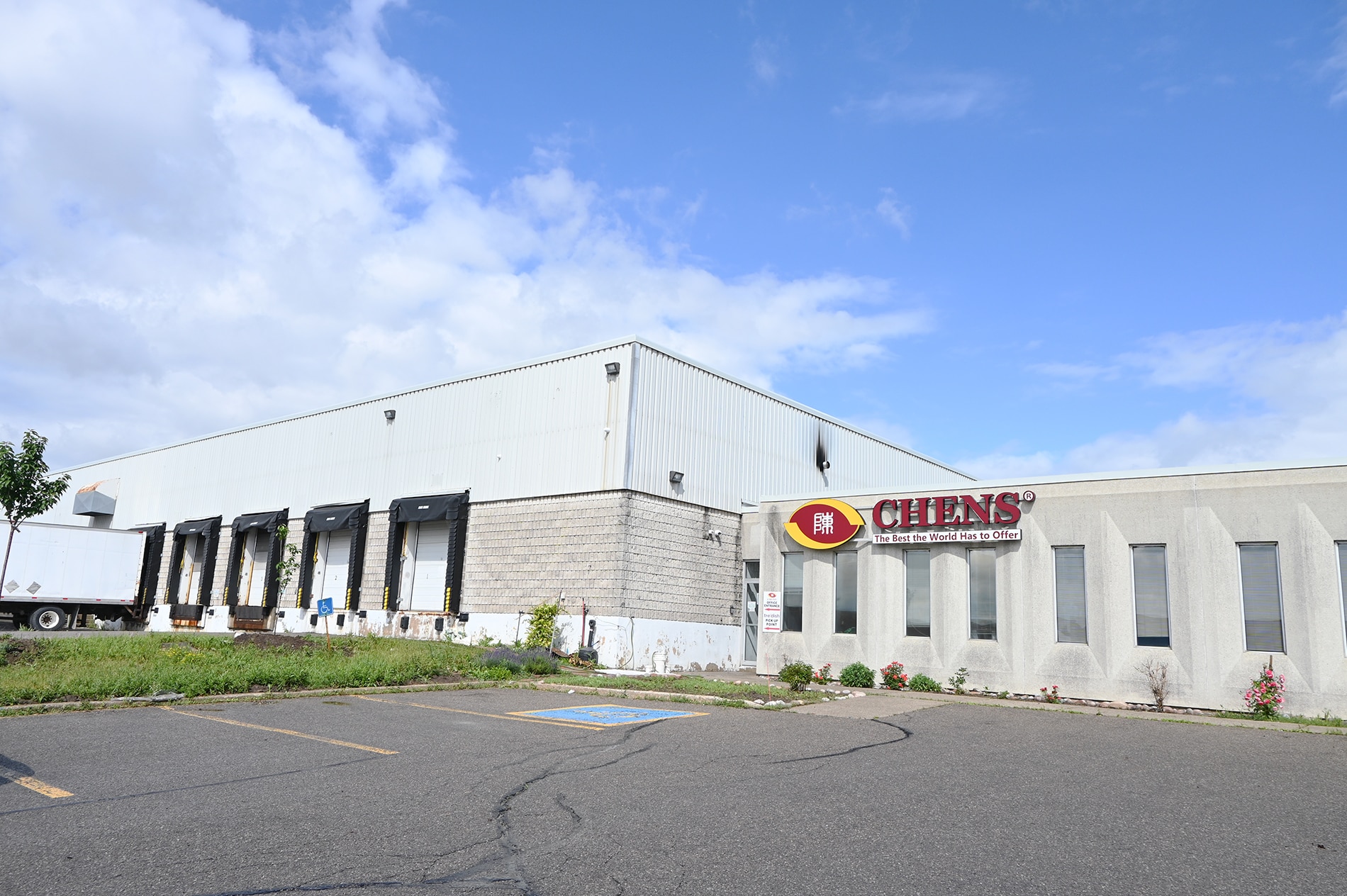
Headquartered in Mississauga in the Toronto area, Chen's Enterprises runs a food and consumer-goods wholesale business serving the Greater Toronto Area (GTA) and Vancouver, BC. The company supplies a wide range of retailers — supermarkets, convenience stores and cash-and-carry outlets. Behind that distribution, KEYENCE handheld terminals support the warehouse from receiving through put-away to picking. We spoke with the company about why it chose KEYENCE — prompted by an old scanner that was "small and hard to read" — how the floor rates the devices today, and what it hopes to see next.
Key points (summary)
- Used across the whole warehouse flow. Chen's Enterprises uses KEYENCE handheld terminals for barcode scanning and ERP integration in receiving, put-away and picking.
- A bigger screen curbs misreads. The old units' small screens risked misreading long numbers; the larger display makes text far easier to read.
- Camera-based image reading is reliable. Barcodes that are unclear, partly damaged or a little farther away can still be read, reducing missed scans.
- Ruggedness proven on the floor. A scanner run over by a forklift in the freezer came away with only a scratch and kept working.
- Next wish: reading dates. Beyond barcodes, the company wants to read suppliers' varied expiration-date formats and feed them into the ERP.
About Chen's Enterprises and its warehouse work
Chen's Enterprises is a wholesaler of food and non-food products, supporting many retail customers — supermarkets, convenience stores and cash-and-carry stores. Its head office is in Mississauga in the Toronto area, covering the entire Greater Toronto Area (GTA), and a second location in Vancouver, BC, serves customers across British Columbia.
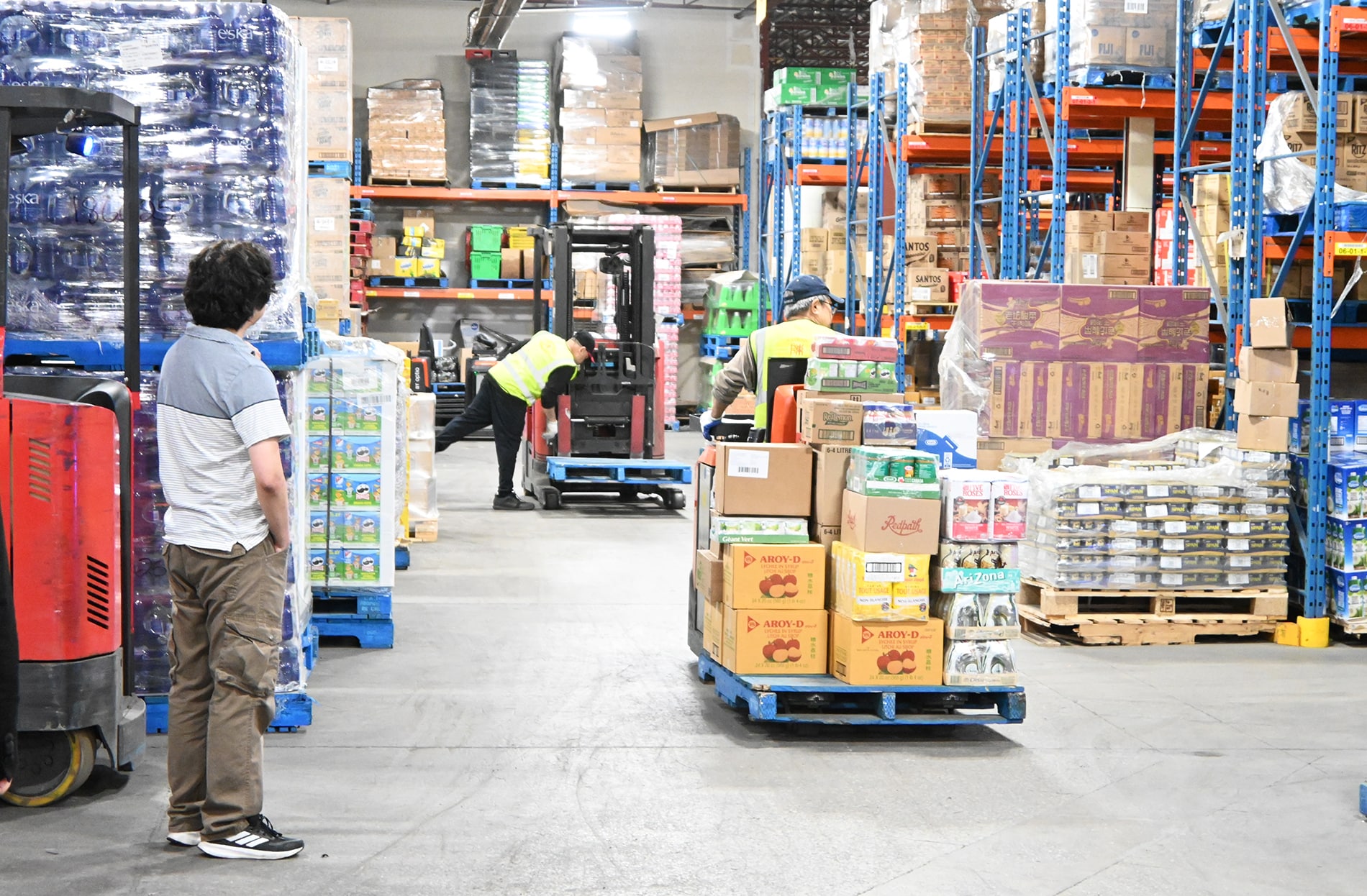
The product range spans imported goods and local lines, from staple cereals and dairy items to special orders for individual customers. To handle that variety, KEYENCE handheld terminals work across three warehouse steps: receiving, put-away and picking. At receiving, inbound products are scanned and sent to the ERP to book inventory; put-away then stores them in their assigned locations. During picking, the ERP guides staff to the right location, and scanning confirms that the correct product is being picked in the correct quantity.
ChallengeA small screen invites "misreads"
Before KEYENCE, the company had used another manufacturer's scanners for six or seven years. They lasted well, but those models had one clear drawback: a small screen. Warehouse work packs a lot of information onto a single screen, so a small display meant small text that was hard to read.
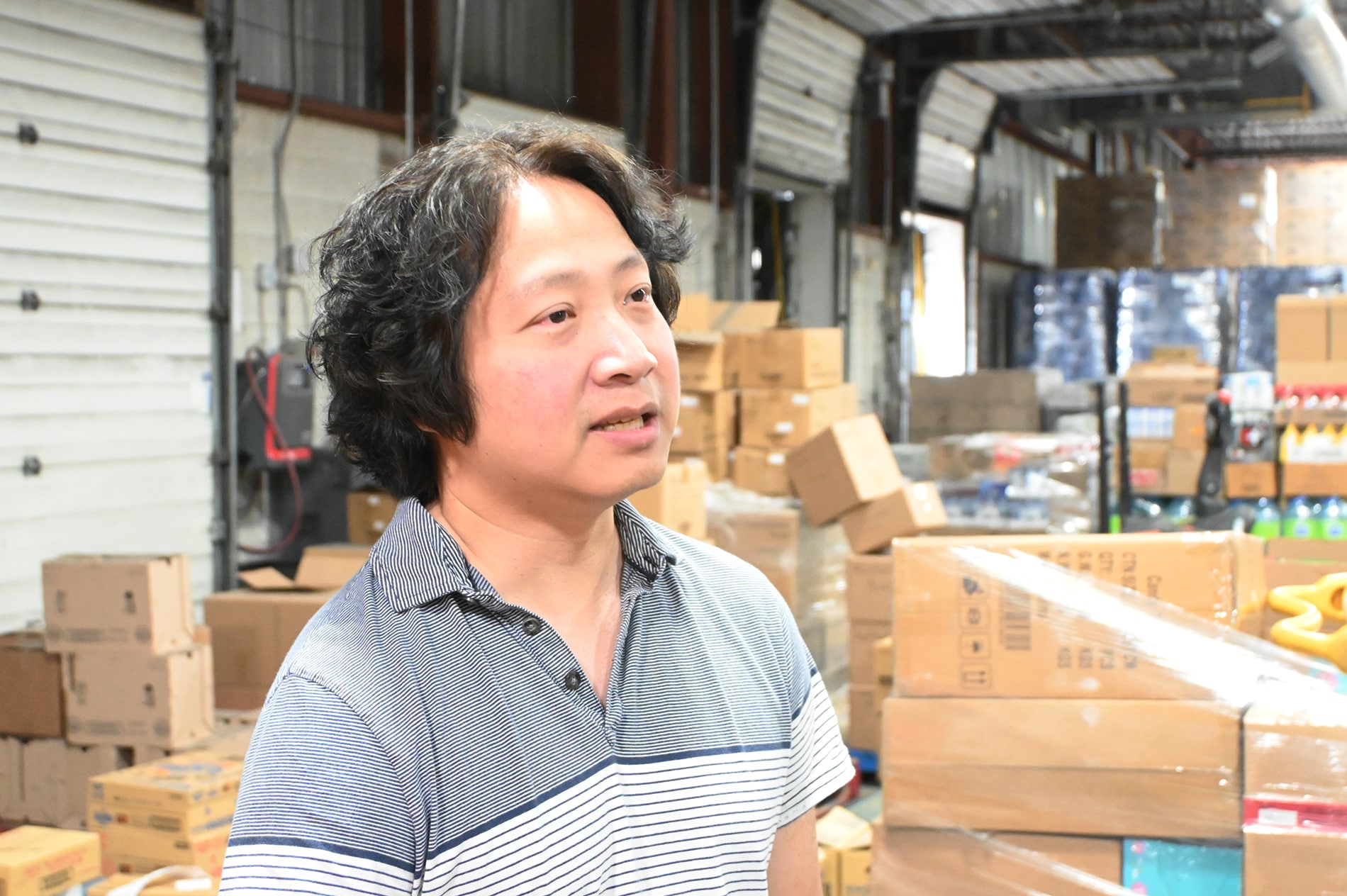
"Those models had very small screens. In our warehouse work a single screen shows a lot of information, so when the screen is small the text becomes very small. It was a little hard for staff to read, and sometimes they would read the wrong information. With long numbers especially, being off by a single digit means a completely different product."
Misread one digit and you pick the wrong item — a problem that goes straight to warehouse accuracy, and one of the reasons the company looked at replacing its scanners.
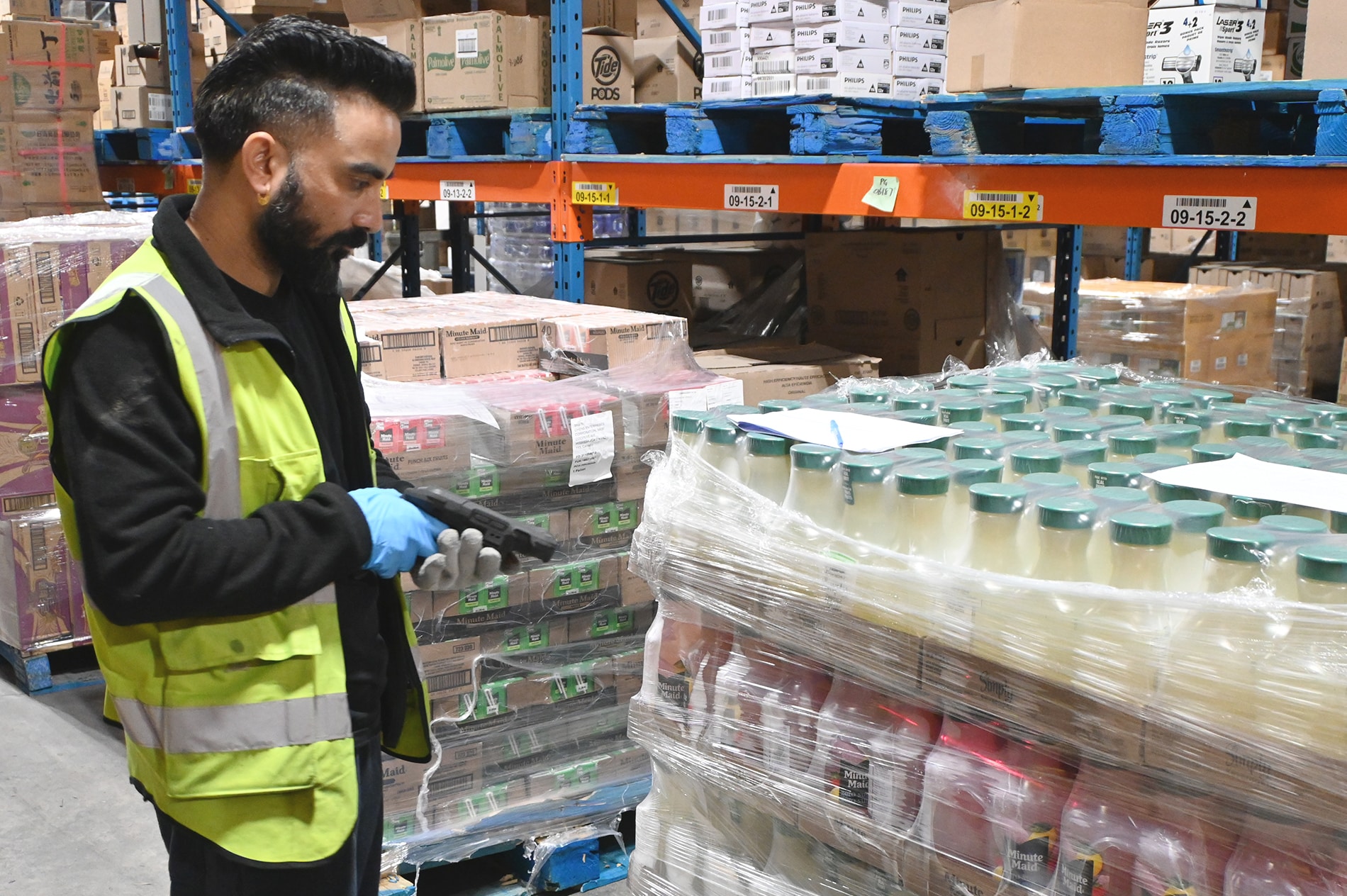
What stood out in that search was the camera-based image reading that the KEYENCE handheld terminals use: instead of simply scanning, the device captures an image and reads the number from it.
"The new KEYENCE model captures an image with a camera and reads the number from that image. Even if a barcode isn't very clear, is partly damaged, or is a little farther away, the KEYENCE scanner can read it."
Unclear or damaged barcodes were something the previous scanners would sometimes fail to read. A wider reading range and fewer missed scans have made floor work smoother. The ERP, meanwhile, is the same product upgraded (a move from Microsoft Navision to Microsoft 365 in the cloud), and IT configured the scanners the same way as before — so there was no major change to how the floor operates.
In useA big screen, reliable reading and ruggedness
The first thing the floor noticed was readability from the larger screen. The old worry — small text leading to misreads — is gone, and even long numbers can be confirmed accurately. Combined with reliable camera-based reading, missed scans have fallen across receiving, put-away and picking.
Another surprise was ruggedness, captured by a story from the freezer.
"As a staff member was coming out of the freezer, the scanner fell to the ground at a step, and the forklift drove right over it. He went pale, sure that a scanner worth thousands of dollars was destroyed. But when he checked, everything was fine. There was just a small scratch — nothing broken at all, and it was working normally."
When it comes to support, the company praises the proactive response of its KEYENCE representative. Rather than relying only on phone and email, the rep comes to the site to deal with things face to face — which makes it easier to raise technical questions.
"I'm an old-fashioned person, so I prefer it when someone comes in person and we can talk face to face. For technical issues especially, I'd rather have someone come and solve it than follow instructions over the phone. On that front, they've done a great job."
Looking aheadReading the barcode and the expiration date together
Chen's Enterprises is satisfied with the scanners and the support today. Building on that, the one improvement raised as a way to make warehouse work even more efficient is reading expiration dates.
"We have thousands of suppliers, and each one uses different kinds of barcodes and different formats for product expiry dates. Reading the barcode itself is no problem at all now. But if we could also read the expiry date and bring that data into the system, it would significantly improve warehouse efficiency."
Reading dates — in formats that vary by supplier — together with the barcode and feeding them straight into the ERP would make information capture at receiving much more efficient. The company has already started discussing this with its KEYENCE representative and sees it as a future opportunity. Reading "the barcode and the date together" in the warehouse is a theme Chen's Enterprises and KEYENCE will explore together from here.
Frequently asked questions (FAQ)
QWhat does Chen's Enterprises do, and where are the scanners used?
A
Chen's is a wholesaler of food and non-food products, supporting supermarkets, convenience stores, cash-and-carry stores and more. With its head office in the Greater Toronto Area (GTA) and a location in Vancouver, BC, it uses the KEYENCE handheld terminals mainly in the warehouse — for barcode scanning and ERP integration across receiving, put-away and picking.
QWhat was the problem with the old scanners?
A
The screens were small. In warehouse work a single screen shows a lot of information, so small text was hard to read. Long numbers were the biggest concern: a single wrong digit points to a completely different product, which can lead to picking the wrong item.
QWhat improved with the KEYENCE handheld terminals?
A
The larger screen made text easier to read and reduced misreads. Because the device captures an image and reads the number from it, it can read barcodes that are unclear, partly damaged, or a little farther away. The units are also very rugged — one kept working after being run over by a forklift.
QDid you have to make major changes to your warehouse operation or ERP?
A
The ERP is the same product, upgraded (from Microsoft Navision to Microsoft 365 in the cloud), and IT configured the scanners the same way as before, so there was no major change to how the floor operates.
QWhat would you like to see from KEYENCE next?
A
Beyond barcodes, the ability to also read product expiration dates and feed them straight into the ERP. Suppliers use many different date formats, so handling those would significantly improve warehouse efficiency.
