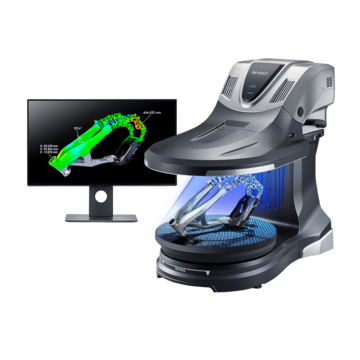
3D Scanner
Various Applications of STL Data
-
Tags:
- R&D , 3D data acquisition
Key Takeaways
- STL files represent 3D shapes as triangle meshes for CAD, 3D printing, and surface workflows.
- The VL Series enables one‑click, full‑circumference STL capture without markers or complex setup.
- Built‑in editing fills holes, removes noise, and reduces file size for downstream use.
- Export color 3D data (OBJ/3MF) to support realistic visualization and color 3D printing.
- STL use cases: rapid prototyping, laser marking on free‑form surfaces, and e‑commerce 3D assets.
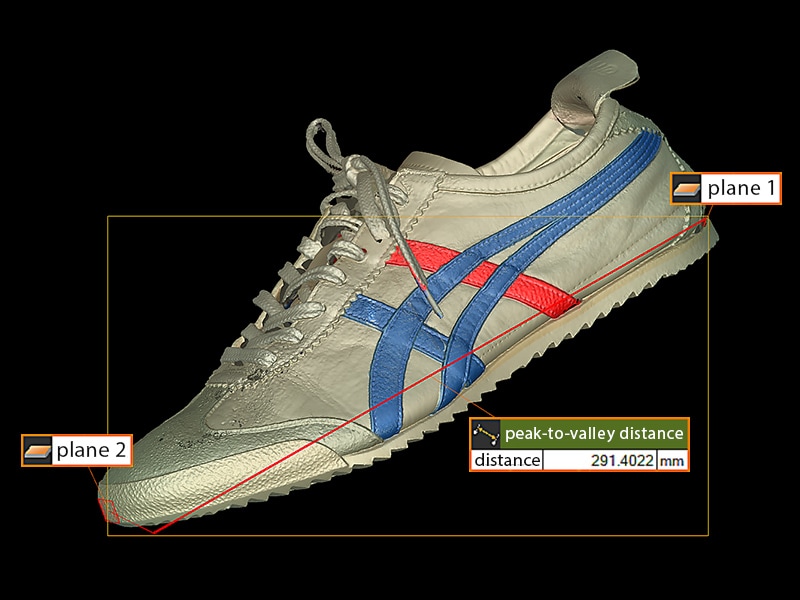
3D CAD is reshaping manufacturing, opening data-driven possibilities that used to be out of reach. This article explains the fundamentals of STL data (a common CAD file format), outlines its practical applications, examines the limitations of traditional data acquisition methods, and demonstrates how the KEYENCE VL Series addresses those challenges.
What is STL Data?
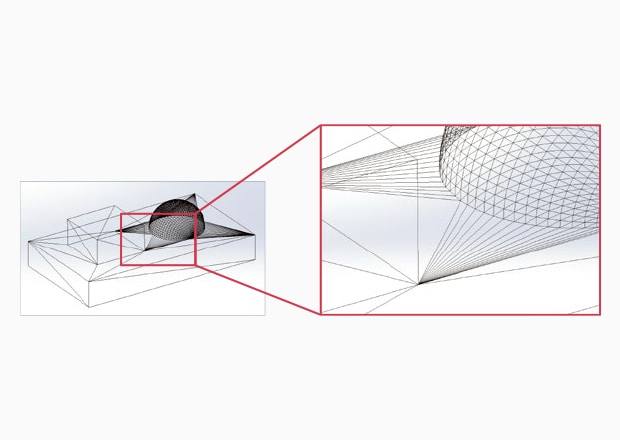
STL (Stereolithography) data is a file format for 3D CAD software. It represents a three-dimensional shape as a collection of small triangles (polygons). Because it doesn’t store smooth curves directly, it approximates rounded surfaces by packing the model with a finer mesh of triangles where more detail is needed.
Applications of STL Data
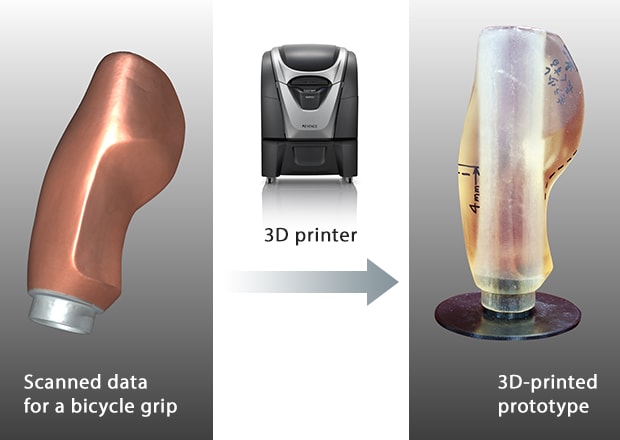
Prototyping with a 3D Printer
Importing STL files into a 3D printer lets you create physical models from digital designs. Having a physical prototype makes it easier to spot design errors and avoid rework. At the prototyping stage, 3D printing removes the need for molds, which significantly cuts lead time.
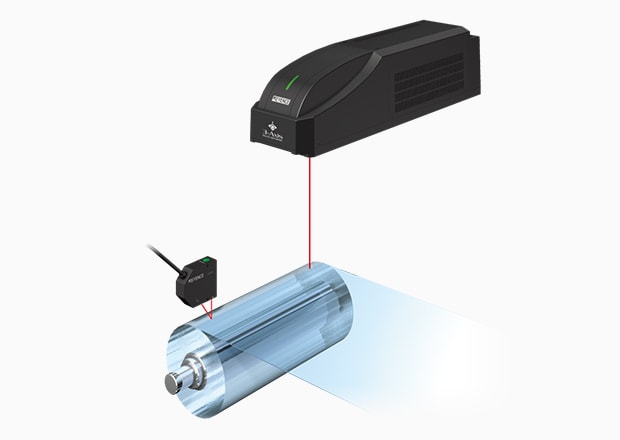
Marking on Free-form Surfaces with a Laser Marker
Marking on free-form surfaces has traditionally been challenging. By converting the geometry into STL data and importing that file into a laser marker, precise marking becomes possible, even on complex free-form parts.
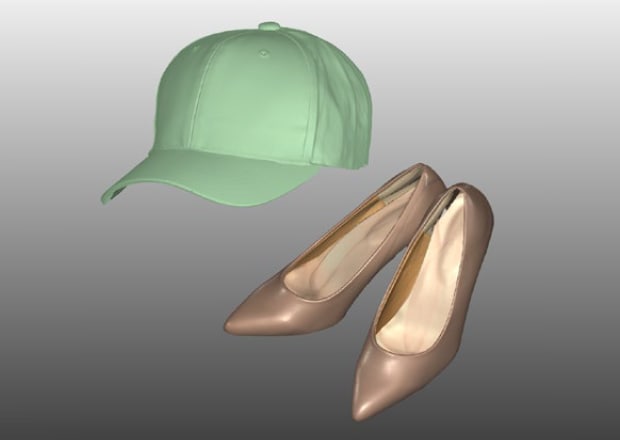
Uploading to E-commerce Sites
Files that include color (OBJ & 3MF) show product shapes and finishes directly on e-commerce sites. This cuts down on time spent creating graphics for items that change often and gives customers clearer, easier to understand visuals.
Current Challenges
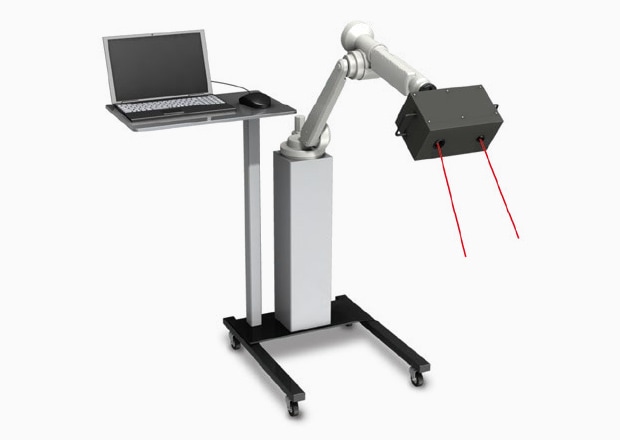
While STL files are useful in many ways, obtaining STL data on real parts has often been slow and challenging. Using conventional 3D scanners to generate STL data usually involves these hurdles:
Difficult Setup
Using a large arm to position the part or placing reference stickers on the object for alignment takes significant time and work before scanning can even begin.
Lack of Visual Information
Typically, scans output as a monochrome 3D model, making it difficult to see where data sets differ.
Large Data Size
STL files can be very large, which slows down workflows. Editing parts of the mesh also usually means switching to external software, which is time consuming and inefficient.
Solutions with the VL Series 3D Scanner CMM
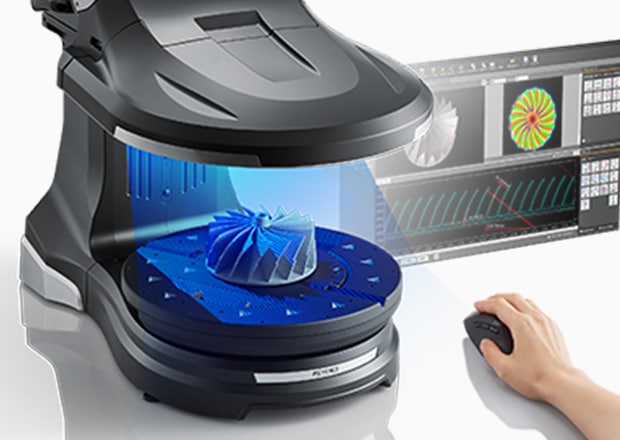
Easy Data Acquisition
Reference stickers are not needed on the VL Series. Just set the sample on the stage, click once, and the system scans the entire part and outputs an STL file.
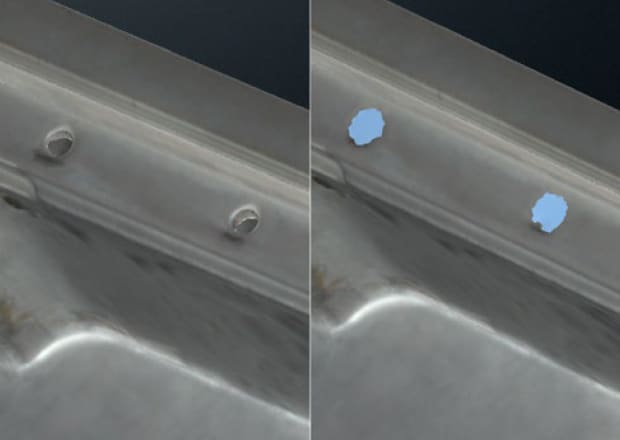
Flexible Data Editing for File Size Reduction and Hole Filling
With just a few clicks, the VL Series fills holes and removes unwanted defects from scan data. You can also choose the export file size, so the STL is lighter and easier to work with in other software.
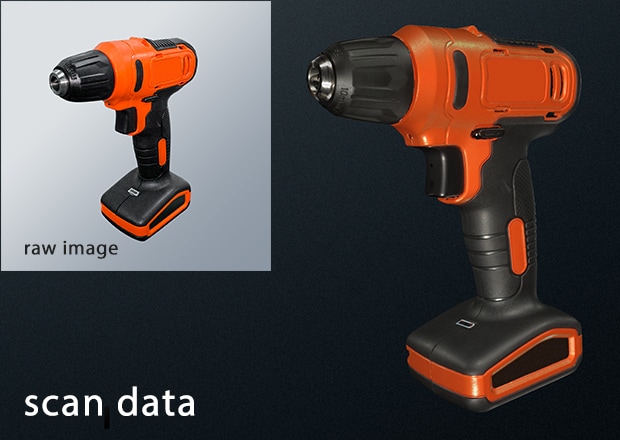
Color 3D Data Output
Save your scans as OBJ or 3MF to keep the colors and details just as they look in real life. When paired with a 3D printer, you can print true to life, full color models.
Summary
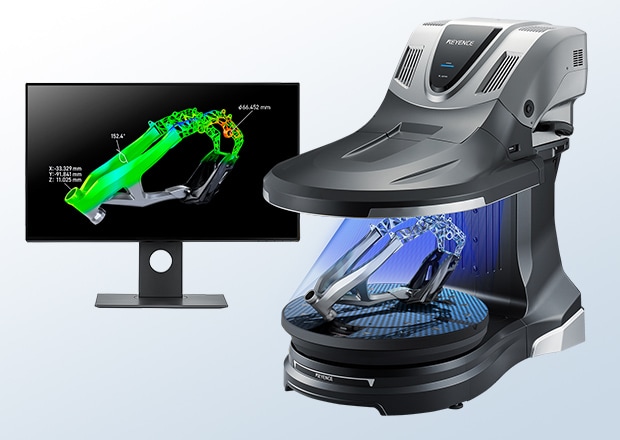
The VL Series captures full 3D scans and exports them as STL files, making them usable with devices like 3D printers, CAD software, and laser markers. There are even more uses for STL data, please feel free to contact us to learn more.